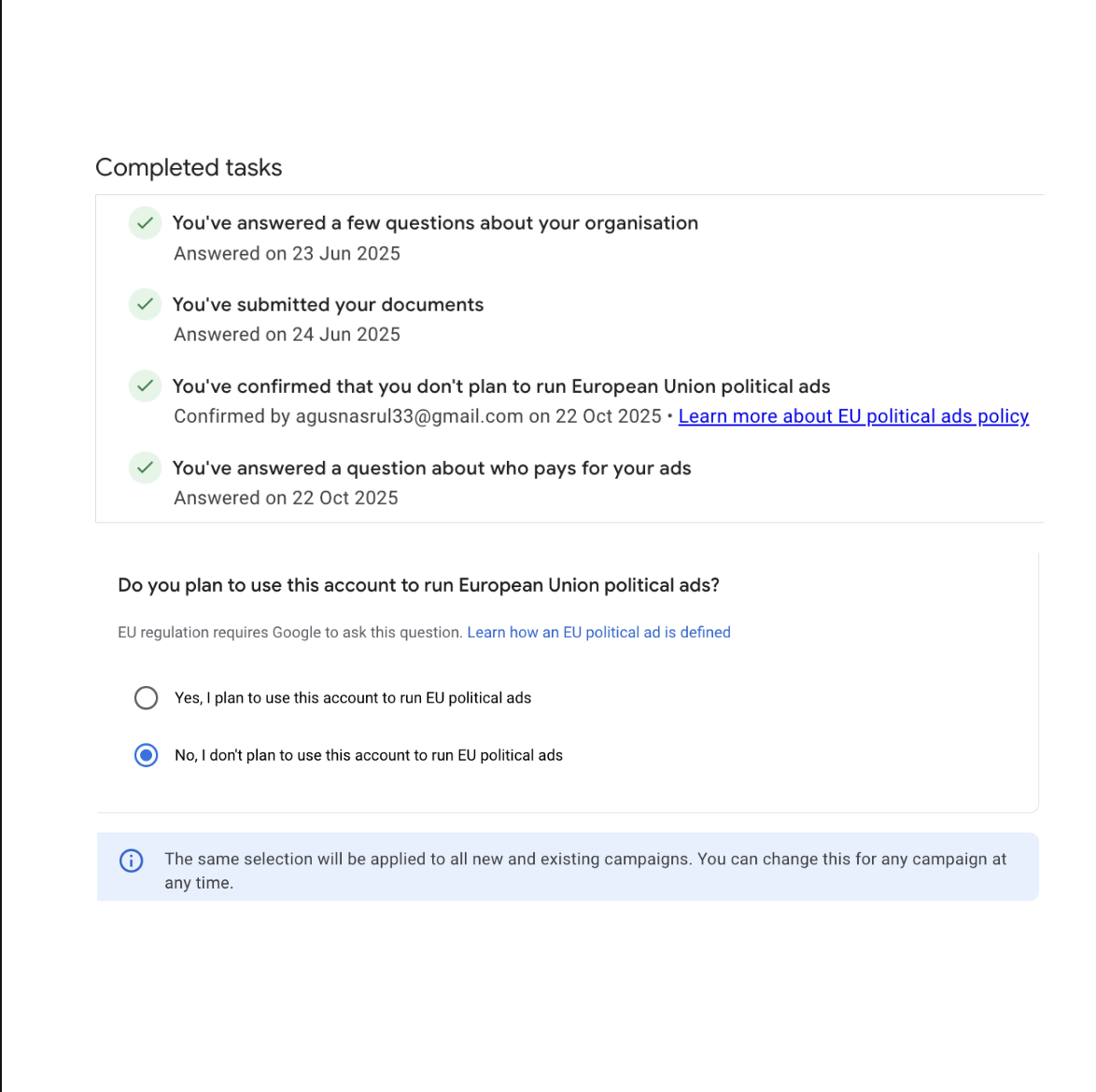



Here are some ways to delete an account in Google Ads MCC, namely:
1. Visit the Google Ads
2. After entering the Google Ads Dashboard page My Client Center (MCC)
3. Click the Account menu

4. Check the Account to be deleted
5. Click Edit, then click Cancel account which has a red cross icon

6. Click Cancel account again ~ Done

That is how to delete an account in Google Ads MCC. For those of you who are still having difficulties, please comment in the comments column.
And for those of you who want to advertise using Google Ads, please directly contact our customer service here.
Read also: How to Backup a Website Database in cPanel